
If you already use other Zoho tools, it’s easy on the wallet. And it does the basics well: keeps track of your stock, helps manage orders, and connects with your online store.
But sometimes, “just fine” isn’t enough.
As your business picks up speed, you start to feel stuck. You want to move faster, see more clearly, and stop doing the same manual tasks repeatedly.
Maybe you’ve outgrown it. Perhaps it’s become too clunky. Possibly, it just doesn’t “get” how your business runs.
If you’re nodding along, you’re not alone.
The Problem with Sticking to Zoho (Even If You Started There)
Here’s what we’ve heard from business owners and ops teams:
- “It’s great until you need to manage multiple warehouses.”
- “Why do I need to use five other Zoho apps to get the full picture?”
- “Our sales reps can’t do anything without the internet. That’s killing us in the field.”
Sound familiar?
Zoho Inventory can be a good starting point, but it is not designed for field teams, B2B orders, or businesses with multiple locations. And if you’re not using Zoho Books or CRM, it can feel like you’re missing half the tools you need.
That’s why more people are looking for something that fits their workflow, not just Zoho’s system.
In this guide, we’ll walk through five real alternatives to Zoho Inventory, not just big names, and show you why GOIS (Goods Order Inventory System) is getting attention from growing businesses like yours.
1. GOIS – Built for Real-World Inventory Problems
If you have got field reps, warehouse teams, or customers placing regular orders, GOIS isn’t just a good fit; it is built for exactly that kind of operation.
Unlike a lot of inventory tools, GOIS doesn’t assume you’re sitting at a desk all day with full Wi-Fi. The mobile app works offline, meaning your team can update stock, check prices, or take orders—even without a signal.
It comes with a dedicated B2B customer portal, built to streamline repeat orders and client interactions. Your regular clients can log in, view their prices, place orders, and track shipments. There are no back-and-forth emails. No confusion. It just works.
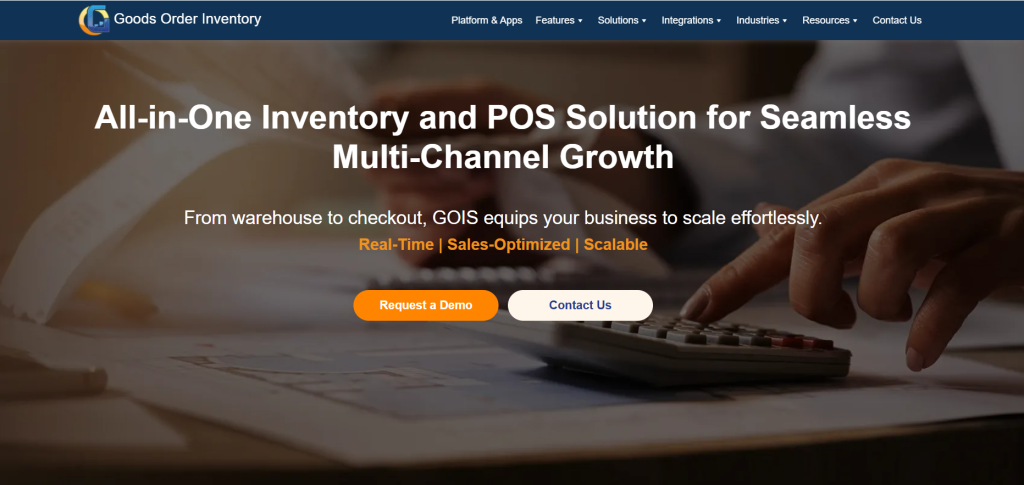
GOIS gives you a clear, real-time view of your inventory across every location. No more second-guessing what’s in stock or where it’s sitting. The dashboards are clean and easy to use, so your team doesn’t waste time hunting for information. It also connects effortlessly with tools like QuickBooks, Shopify, and EDI systems, and even supports custom workflows through the API.
And the best part? You don’t need to be a tech expert to use it. GOIS is built to work right out of the box, so you can get moving fast without a steep learning curve. GOIS is designed for people who are growing and need a system that keeps up without breaking the bank or breaking their brains.
Auto Care Inventory- Streamlined with GOIS.
See how real shops fixed stockouts and stayed on track.
2. inFlow Inventory – Ideal for Early-Stage Businesses
inFlow is one of those tools that get the job done, especially if your business is small and mostly run from one place.
inFlow is simple, clean, and easy to pick up. You don’t need much training to get started, which makes it popular with small retail stores and online sellers. It’s a solid choice if you’re managing a few hundred products, shipping from one place, and just want something that works without the hassle of big teams or complex systems.
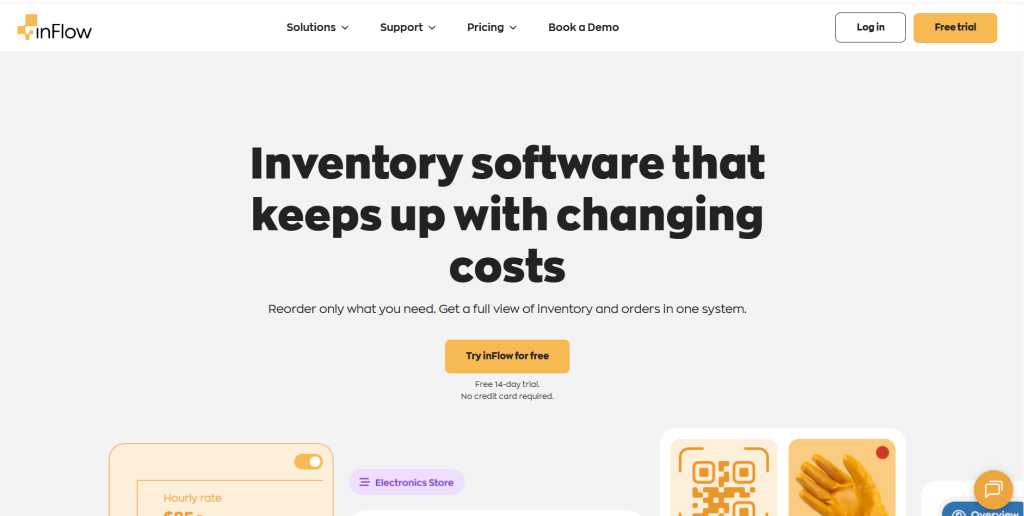
But as your business grows, you might start bumping into limits. Need offline access? B2B portals? Custom workflows? That’s where inFlow can start to feel a little boxed in. You might also notice the price going up as you add users or try to unlock more advanced features.
Think of inFlow like a helpful first step, great when you’re starting, but not quite built for the long haul if you’re scaling fast.
3. Cin7 Core – A Heavy Hitter, But Maybe Too Heavy
Cin7 Core (formerly DEAR Systems) is built for inventory control. There’s no doubt about that. It’s got all the bells and whistles: advanced inventory, manufacturing, automation, deep integrations – you name it.
If you’re running a big operation, making your products, managing several suppliers, or selling through multiple channels, Cin7 Core can cover a lot of ground. It’s packed with powerful features that help keep things under control.
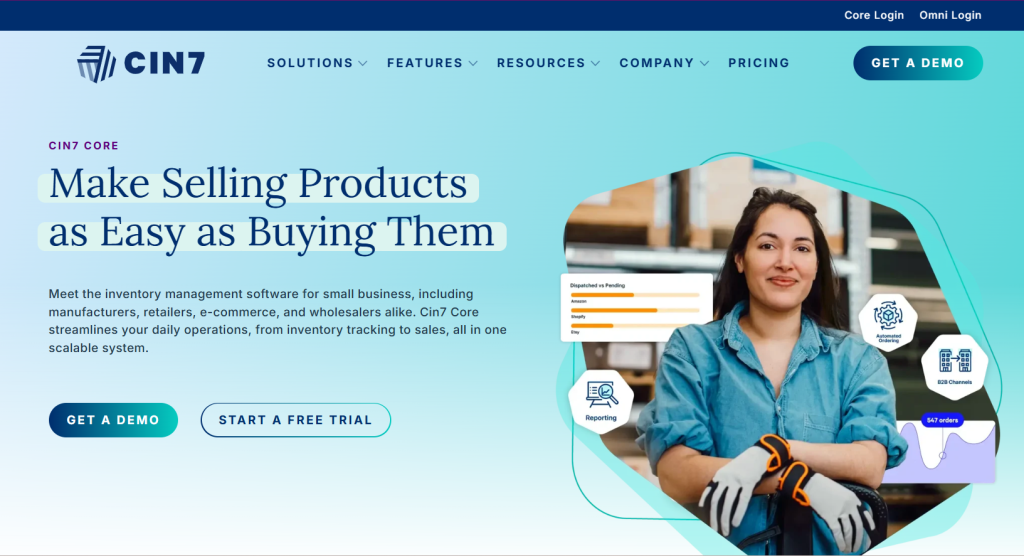
But here’s the thing: it’s not the easiest system to work with. There’s a learning curve, and setup can take time. You’ll likely need someone on your team who’s willing to dive deep and manage it daily. So, while it’s great for complex businesses, it might feel like too much if you’re looking for something simple or quick to roll out. You’ll likely need a consultant just to set it up. With base pricing around $250/month, it’s a serious investment.
For smaller businesses or teams that need something up and running fast, Cin7 Core often feels like using a spaceship to deliver pizzas. Powerful? Sure. But it’s overkill if you’re not using all that firepower.
4. QuickBooks Commerce – Only Makes Sense If You’re All-In on QuickBooks
QuickBooks Commerce came out of Intuit’s acquisition of TradeGecko. If you already use QuickBooks Online for accounting, it might seem like a convenient way to keep your inventory and finances under one roof.
It handles the basics well—inventory tracking, syncing with online stores, order history, and so on. If your setup is simple, and you’re already working inside QuickBooks every day, it could work.
But the product hasn’t seen much love since it was acquired. Development has slowed, and some users feel like it’s just “there” to keep QuickBooks customers from looking elsewhere.
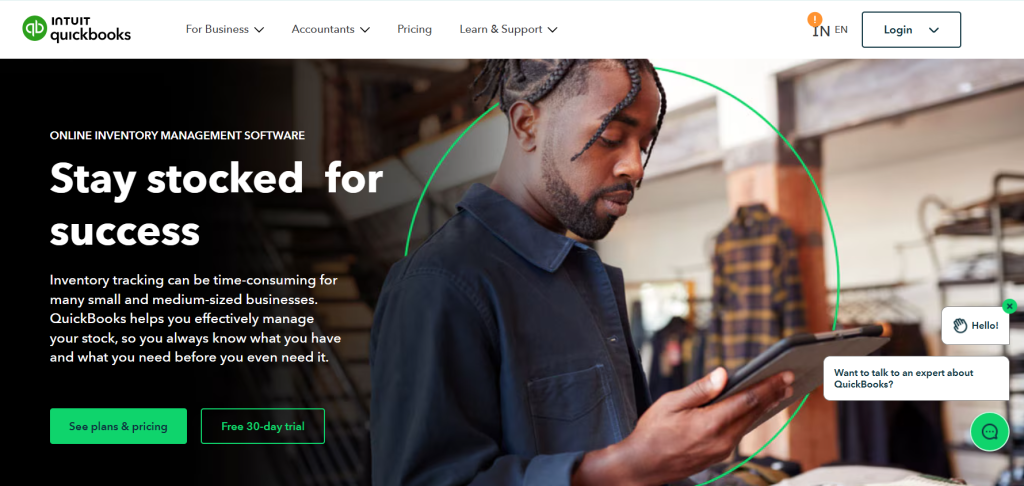
It also lacks flexibility, has no offline mode, no B2B portal, and limited control over custom workflows.
So yes, it’s convenient. But if you need more than convenience—like flexibility, mobility, or better B2B features, you’ll hit a wall fast.
5. Zoho Inventory – Familiar, But Not Future-Proof
If you’re already using Zoho Books, Zoho CRM, or other Zoho tools, then sure—Zoho Inventory feels like a natural fit. It talks nicely to the rest of the Zoho ecosystem, and the pricing is hard to beat when you’re just starting.
But once your business grows a bit- more products, more locations, more sales channels and it starts to feel… rigid.
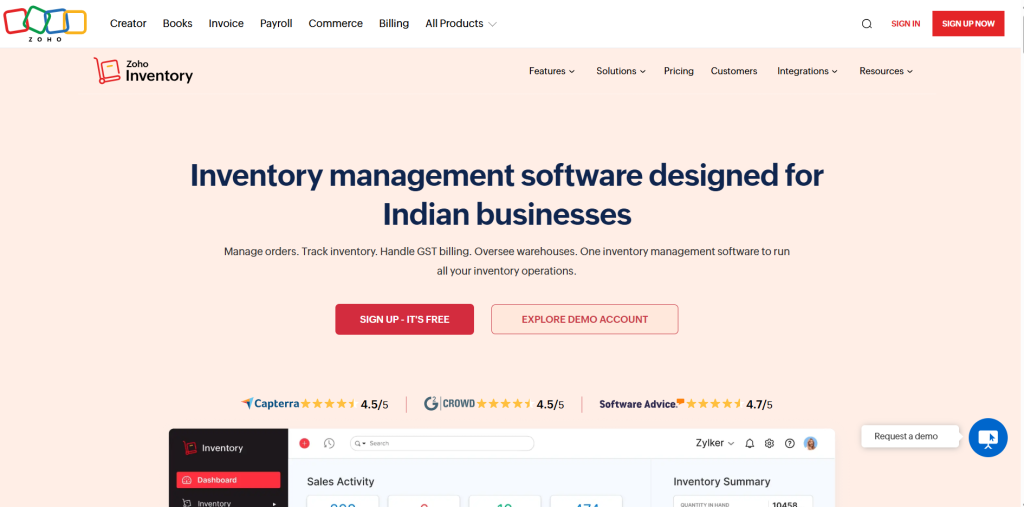
There’s no offline access. Multi-warehouse inventory is clunky. B2B customers can’t log in to view pricing or place orders. And if you’re not using the full Zoho suite, the integrations and reports can feel fragmented.
It’s fine for light inventory needs. But it’s not built for the way growing businesses operate today, especially ones with mobile teams and customer expectations that move fast.
How They All Stack Up
Let’s zoom out for a second.
| Feature | GOIS | inFlow | Cin7 Core | QB Commerce | Zoho Inventory |
|---|---|---|---|---|---|
| Works Offline | Yes | No | No | No | No |
| Multi-Warehouse Support | Yes | Yes | Yes | Yes | Limited |
| Customer Ordering Portal | Yes | No | Complex | Yes | Yes |
| Easy Setup | Yes | Yes | No | Yes | Limited |
| Built-In B2B Features | Yes | No | Yes | No | No |
| Starting Price (Monthly) | ~$25 | ~$89 | ~$249 | ~$39 | ~$59 |
Detailed Feature Comparison Table
| Feature | GOIS | inFlow | Cin7 Core | QuickBooks Commerce | Zoho Inventory |
|---|---|---|---|---|---|
| Multi-Warehouse Tracking | Real-time | Basic | Advanced | Yes | Limited |
| Offline Support | Full (mobile + web) | No | No | No | No |
| B2B Portal / Ordering | Native + easy | None | Complex setup | Not available | Not available |
| Mobile App Quality | Full-featured | Limited | None | Basic | Basic |
| Integrations | QB, Shopify, EDI, API | Xero, Shopify | All major tools | QBO, Shopify | Zoho tools only |
| Pricing (Starting at) | ~$25/month | ~$89/month | ~$249/month | ~$39/month | ~$59/month |
| Ease of Setup | Plug & play | Easy | Consultant needed | Moderate | Complex if solo |
| Support for Scaling Teams | Yes | Limited | Yes | Only within QB | Yes, with add-ons |
So… Why GOIS?
Because it was built for businesses like yours.
Not startups still working from spreadsheets.
Not enterprise giants with an IT team and consultants on speed dial.
GOIS is for growing teams of industry solutions that want more control without more confusion. It’s simple where it should be, powerful where it counts, and priced for real-world budgets.
You won’t be forced to use six different apps. You won’t need a training course to get started. And you won’t be left stuck when your internet goes down or your customer needs something urgently.
Want to See GOIS In Action?
Let’s not complicate it. If this sounds like the kind of tool that would actually work for you, book a free walkthrough. We’ll show you how GOIS handles your workflow—inventory, orders, customers—without the headaches.
Frequently Asked Questions (FAQ’s)
1. Why would someone look for alternatives to Zoho Inventory?
While Zoho Inventory is affordable and works well with other Zoho apps, many businesses outgrow it. As needs grow—like multi-location tracking, offline access, or custom workflows—Zoho can start to feel limited. That’s when tools like GOIS step in with more flexibility and power.
2. What makes GOIS stand out from other inventory systems?
GOIS offers real-time tracking, multi-location visibility, and easy integrations with tools like QuickBooks, Shopify, and EDI. It also includes a built-in B2B portal, offline access, and intuitive dashboards—all without needing a big team to manage it.
3. Is GOIS suitable for small businesses or only for large operations?
Both. GOIS is built to scale. Small teams appreciate how easy it is to get started, while growing businesses rely on features like API access, supplier management, and custom workflows to handle complexity without switching systems later.
4. How hard is it to switch from Zoho Inventory to GOIS?
It’s pretty straightforward. GOIS offers import tools and support to help you migrate product data, customer lists, and order history. Most teams are up and running quickly without needing dedicated IT help.
5. Can GOIS handle offline operations or field reps without internet access?
Yes! One big advantage of GOIS is that it offers offline capabilities—so your team can keep working even if the internet drops. Field reps, warehouse staff, or store teams can log updates that sync automatically when the connection comes back.

Naushad Ahmed 
Naushad Ahmed is a technology expert at Goods Order Inventory (GOIS) specializing in inventory management, order fulfillment, and warehouse operations for small and mid-sized businesses. He shares practical insights on inventory control, stock accuracy, automation, and multi-location management to help businesses move beyond spreadsheets, reduce stockouts and overstock, and scale their operations efficiently.